Vibe Coding Game Jam
One day. One theme. Everyone ships a browser game live on donkeycat.com/jam/<your-game>/.
Submissions
7 games so far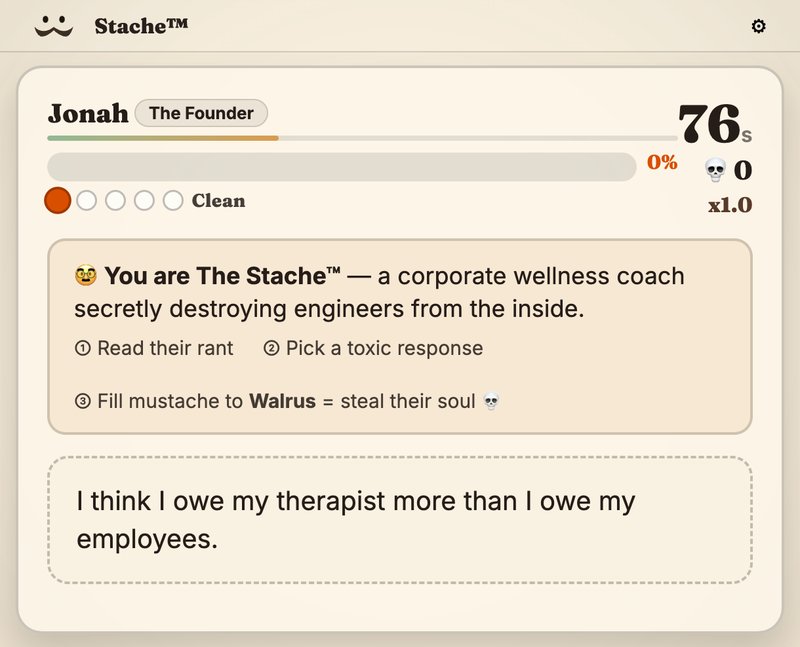
Stache™
You are The Stache™ — a corporate wellness coach secretly destroying engineers from the inside. Read each rant, pick the most toxic response, and fill your mustache to Walrus to steal their soul.
Play →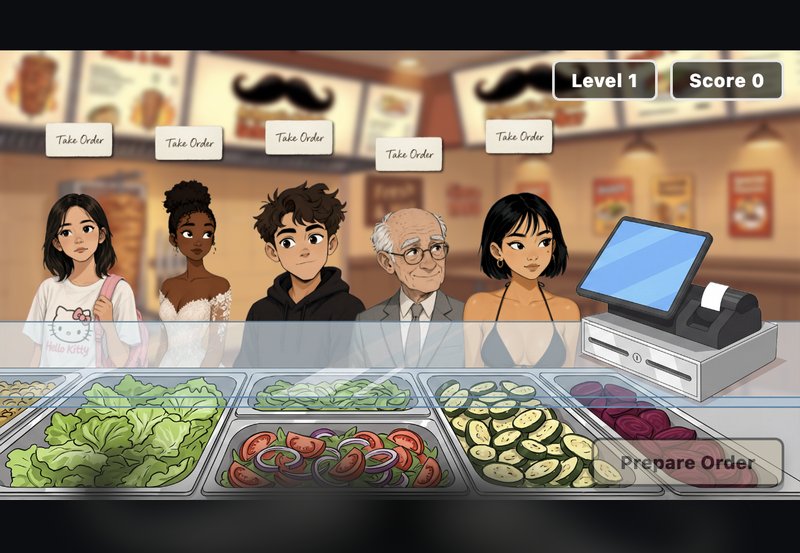
Achmets Jünger
Silence! I kill you! Run the counter at a mustachioed kebab shop — take orders from a queue of customers and assemble their meals from the veggie bins before they lose patience.
Play →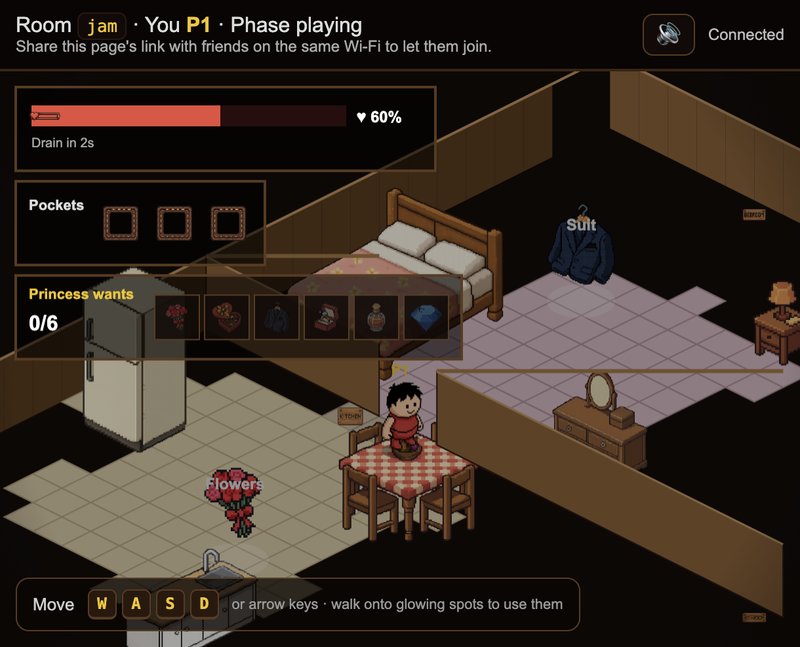
Stache-a-Nova
Four-player isometric heist in a cartoon house: grab gifts for the Princess, pass the moustache, and sabotage rivals with smoke alarms, floods, dog crates and door locks.
Play (multiplayer) →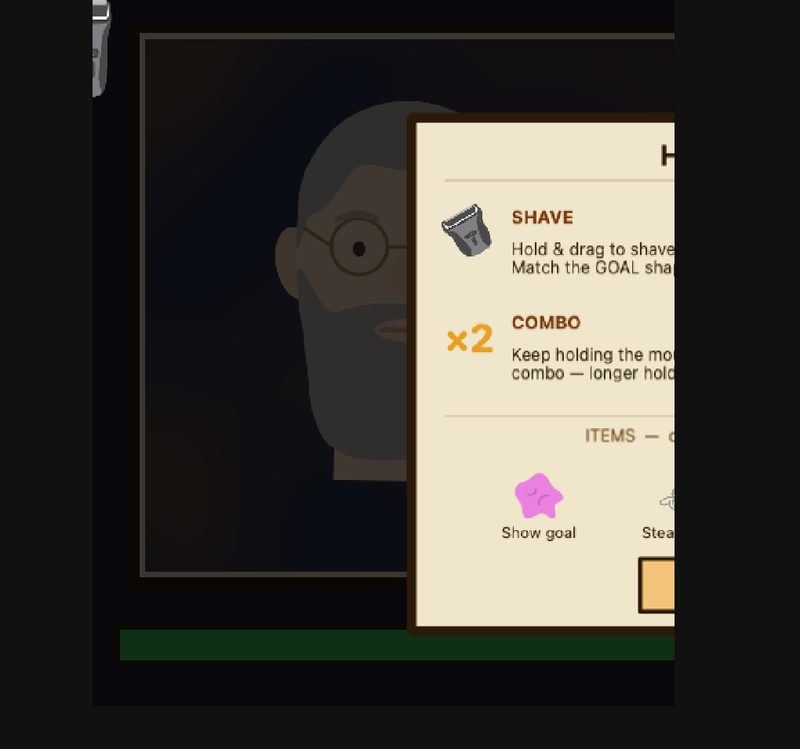
SHITTY SHAVE
A frantic barber simulator where you shave clients to match a goal beard while chasing combos, collecting powerups, and trying not to draw blood.
Play →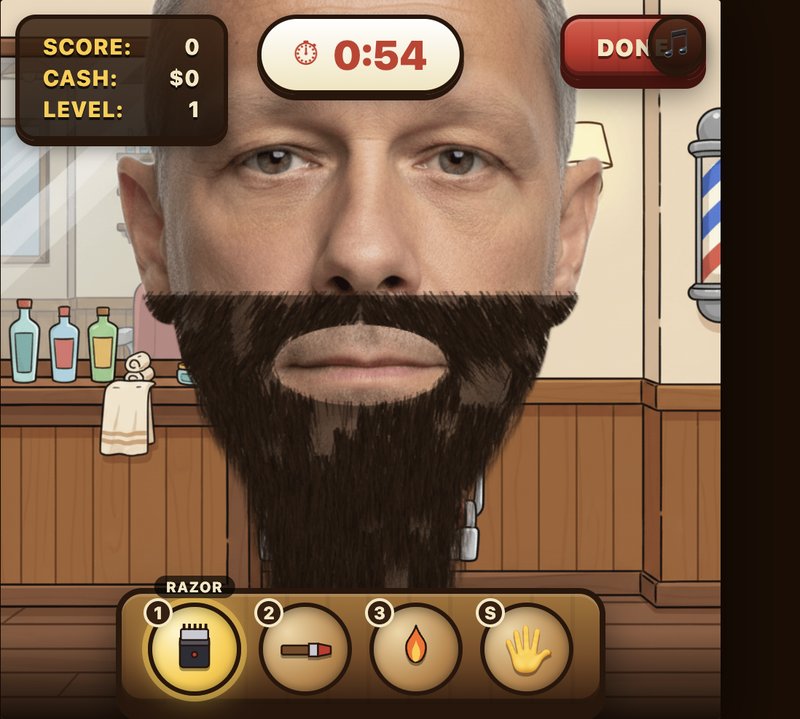
Snip & Rip
Memorize a beard from a 5-second Wish Card flash, then sculpt an overgrown customer using a full belt of tools — razor, scissors, trimmer, pomade, fire. Closer to the target, bigger tip.
Play →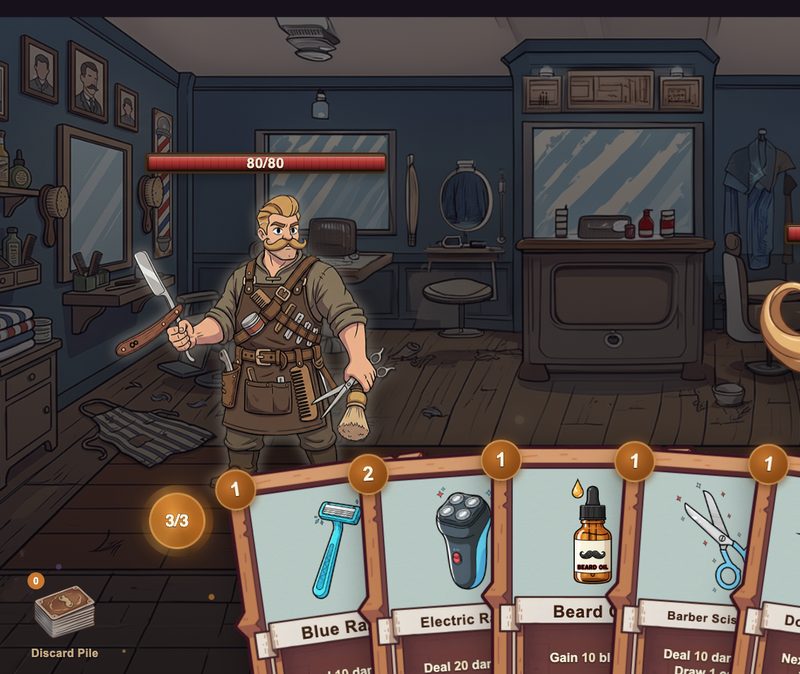
The Stache Fights Back
A Slay the Spire-inspired deck-combat game where you wield barber tools to defeat mustachioed foes across three increasingly challenging battles.
Play →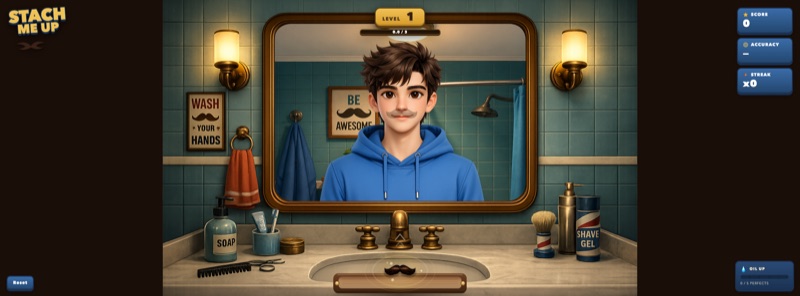
StacheMeUp
Throw stylish mustaches onto moving faces in a goofy mirror world, fight wind and distance, and chain perfect hits to unlock bonus oiled throws.
Play →Interpret it however you want — literal, absurd, hairy, stylish, villainous, historical, whatever. Just make it obvious.

What this is
Pull the starter kit, copy the empty template, and build a game inside your own folder. At 18:00 you zip your folder and hand it to the deploy agent — your game is live on donkeycat.com a couple of minutes later.
Stack rules
- Entry point is
games/<your-game-name>/index.html. That's the file the website will serve. - Anything that runs in a browser is fair game: vanilla HTML/CSS/JS, React via CDN, Phaser, p5.js, Three.js, canvas, WebGL, whatever.
- Must work by double-clicking
index.html(file:// URL). If your library refusesfile://, use the included./serve.sh. - NO API keys in user-visible code. Never hardcode secrets into
index.html, JS files, or anything shipped to the browser — they're public the moment you zip them. If you need a paid API, proxy it through your own backend (or a free tier with a per-IP rate limit). - All paths relative. Use
./style.css, never/style.cssorfile:///Users/you/.... - Keep the folder under ~20 MB. Compress videos or link out to YouTube.
Get started (2 steps)
-
Copy the starter folder and rename it (lowercase, dashes, no spaces — e.g.
neon-snake):
On Windows: duplicatecp -r games/_template games/<your-game-name>_templatein Explorer and rename the copy. - Double-click
games/<your-game-name>/index.html. Edit the files, refresh the browser.
That's it. No build step, no npm install.
Optional: run a local server
If your library refuses file:// (Three.js loaders, service workers, etc.):
./serve.sh        # macOS / Linux / WSL
serve.bat         # Windows
Then open http://localhost:8000/games/<your-game-name>/.
Try the reference game
Double-click games/tictac/index.html in the kit — classic tic-tac-toe, hotseat or vs. an unbeatable AI. Copy as much of it as you want. You can also play it live here.
How to deliver your finished game
Pre-flight (before zipping)
- Your game lives in exactly one folder:
games/<your-game-name>/(lowercase, dashes only, no spaces or underscores). - Entry point is
index.htmldirectly inside that folder (not in a subfolder). - Double-clicking
index.htmlopens the game and it plays with no console errors. If that doesn't work,./serve.sh→http://localhost:8000/games/<your-game-name>/must work. - All paths are relative (
./style.css,./img/foo.png) — no leading/, nofile:///Users/..., nolocalhostURLs. - Loads in Chrome, Safari, and on a phone browser (mobile touch should at least not crash).
- Folder is under ~20 MB.
team.txtis filled in: game name, team members, one-sentence description, controls.
Submission — just zip and hand it over
- Zip your folder. The zip must extract to a single folder named
<your-game-name>/withindex.htmldirectly inside it.- macOS: right-click the folder in Finder → "Compress".
- Linux/WSL:
cd games && zip -r <your-game-name>.zip <your-game-name>/ - Windows: right-click → "Send to" → "Compressed (zipped) folder".
- Name the zip
<your-game-name>.zip(same name as the folder inside). - Hand the zip to the deploy agent (AirDrop, Slack DM, USB, whatever).
- The deploy agent drops it into donkeycat.com, wires up the route, and deploys. Your game goes live at
donkeycat.com/jam/<game-name>/within ~2 minutes.
Sanity-check your zip
- Peek inside: you should see
<your-game-name>/index.htmlat the top level. Notgames/<your-game-name>/...and not<your-game-name>/<your-game-name>/.... - Double-click the
index.htmlinside the extracted folder. If it plays, you're done.
/style.css → ./style.css). Broken is still a valid submission — ship it anyway.
Troubleshooting
- Blank page when opened by double-click: you probably used
fetch()orimport/type="module". Either inline your data in the JS file, or use./serve.sh. - CSS / JS / images don't load when live on donkeycat.com: you used an absolute path somewhere. Search your folder for
src="/andhref="/and replace withsrc=".//href="./. - Works at
/jam/name/but not/jam/name: the template includes a tiny redirect snippet that auto-adds the trailing slash on http(s) URLs. If you removed it, put it back — relative paths like./style.cssneed the trailing slash to resolve correctly when served over http(s). ./serve.shsays python3 not found: install Python 3 from python.org, or on Windows useserve.bat, or use any other static server (npx serve, VSCode Live Server, etc.).